
Alerts
Overview
Section titled “Overview”Alerts monitor governed data and notify users when a rule changes state. Use alerts for thresholds, stale syncs, anomalies, service indicators, or operational signals that require attention.
How it works
Section titled “How it works”An alert rule evaluates data in the active scope and records state per rule or group. Sentinel emits browser events immediately and delivers configured external channels directly when the alert changes state. Notification delivery does not pass through the Worker job queue.
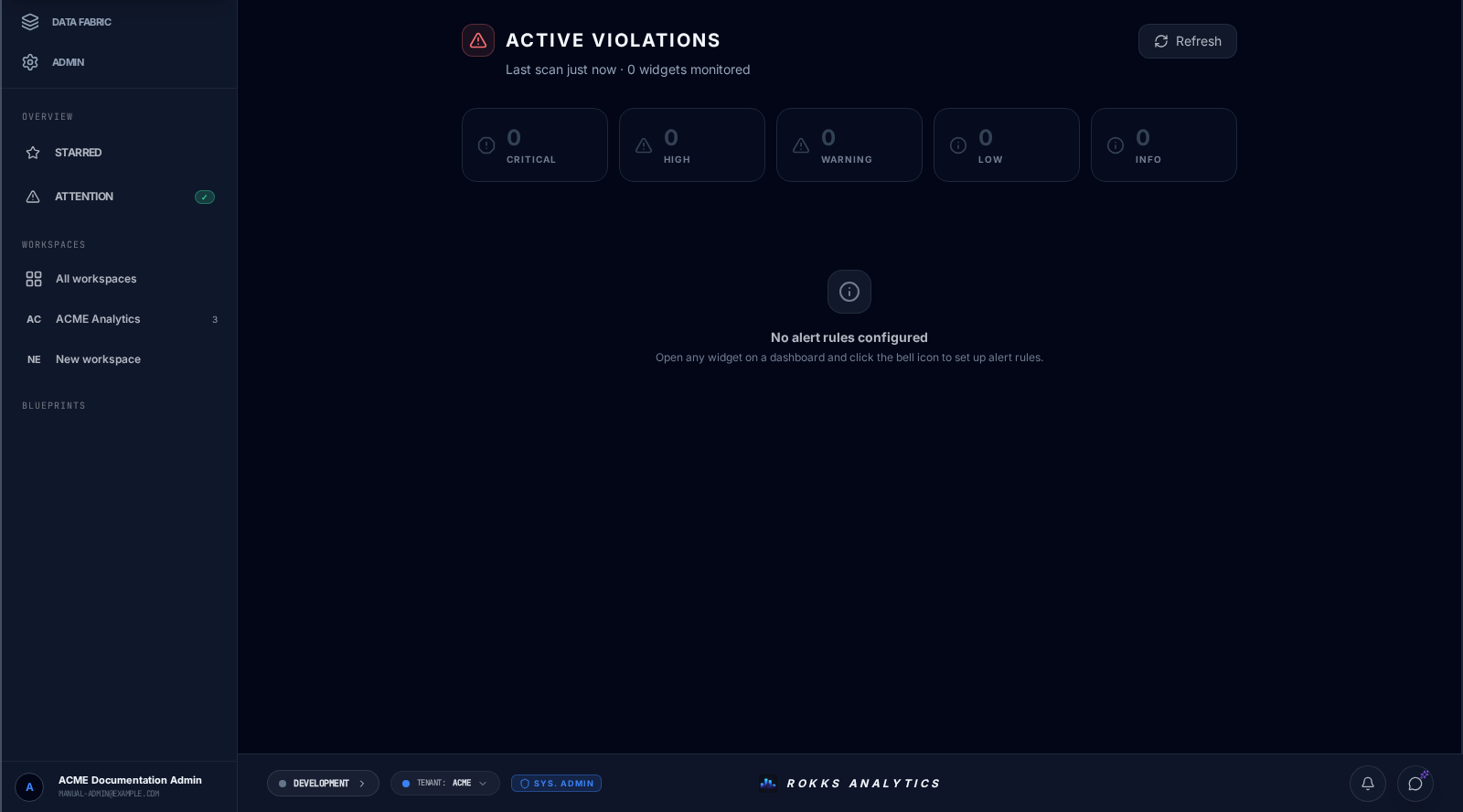
The reviewed beta capture shows the real Active Violations overview before any alert rules have been configured.
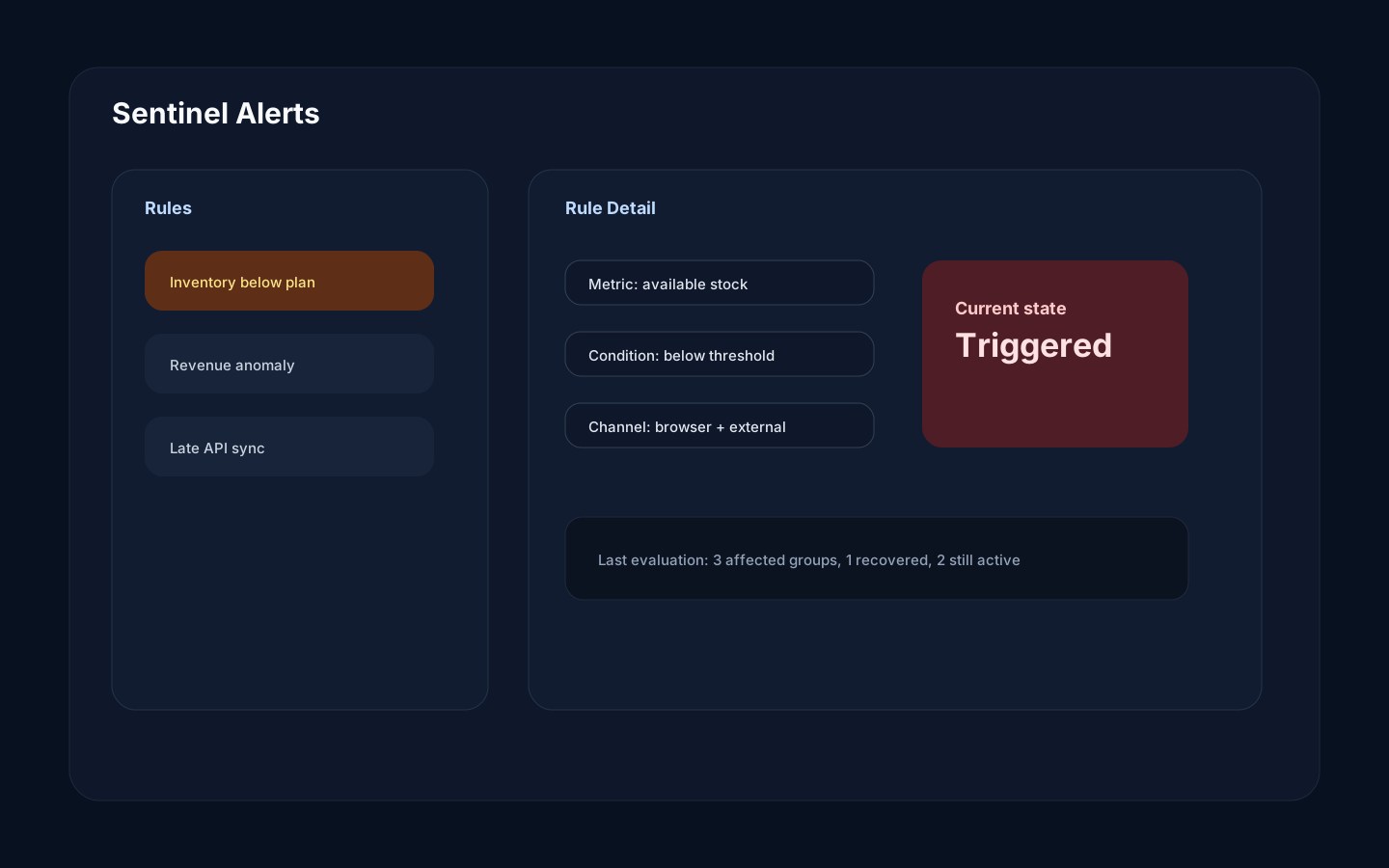
The rule-management illustration remains a labelled source-derived mockup until a configured Sentinel rule can be captured safely.
Step-by-step
Section titled “Step-by-step”- Create and run the required continuous-analytics signal before creating its alert rule.
- Open Workspaces → Attention, choose Manage rules, then choose Add rule or select an existing rule to edit it.
- Select the existing Signal to watch.
- Configure the condition and threshold, breach duration, repeat-notification cooldown, and severity.
- Select Browser SSE and, when configured, Pushover under Notify via.
- Set the rule to Enabled and choose Save. This editor has no test action.
- Monitor the saved rule and its current state on the rules page. Return to Attention for breached widgets. For external-channel delivery troubleshooting, use provider-side evidence or ask an operator to inspect Sentinel logs.
Common mistakes
Section titled “Common mistakes”Do not alert on noisy fields without grouping or thresholds. Too many alerts reduce trust.
Do not assume a missing external notification means the rule did not trigger. Rule state is visible in Rokks; external delivery outcomes are not currently persisted or shown in this page.