
Local Tables
Overview
Section titled “Overview”Local Tables creates governed physical tables directly in the active environment and tenant. Use it when you need a table managed in Rokks without first importing a file or configuring an external database connection.
How it works
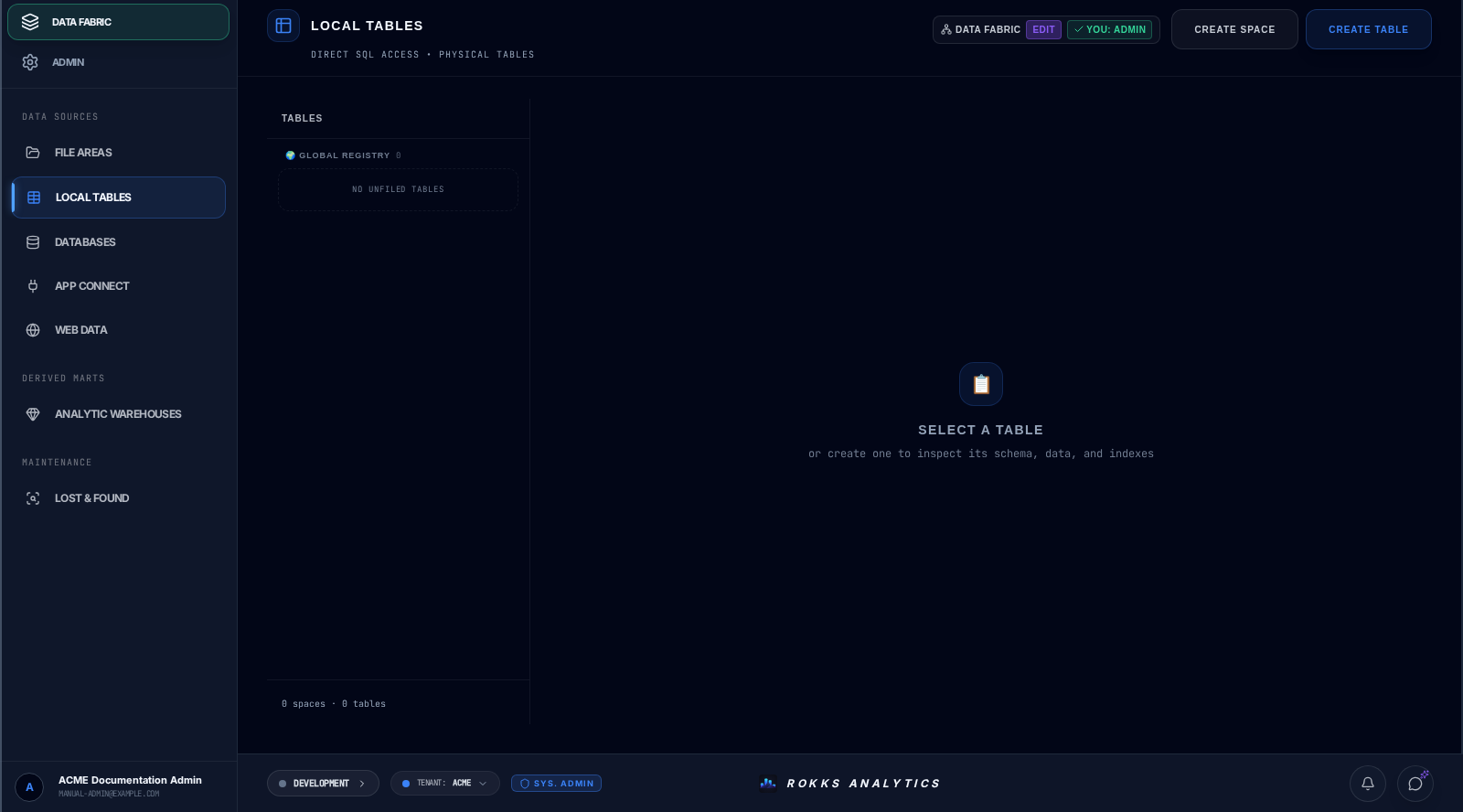
Section titled “How it works”The left rail organizes tables into named spaces and a Global Registry for unfiled tables. Create Space opens Establish Space. Create Table opens Provision Entity, where you enter a logical name and select a UUID, INT4, or INT8 ID-column type before choosing Commit Table. Selecting a table opens its schema, data, and index inspection surface.
Step-by-step
Section titled “Step-by-step”- Open Data Fabric → Data Sources → Local Tables.
- Choose Create Space if the table should live in a named group, enter the space name, and choose Commit Space.
- Choose Create Table.
- In Provision Entity, enter the logical table name.
- Select the ID column type: UUID, INT4, or INT8.
- Choose Commit Table.
- Select the new table in the rail to inspect its schema, data, and indexes.
- Drag the table into a space when you want to organize it, or leave it in Global Registry.
Common mistakes
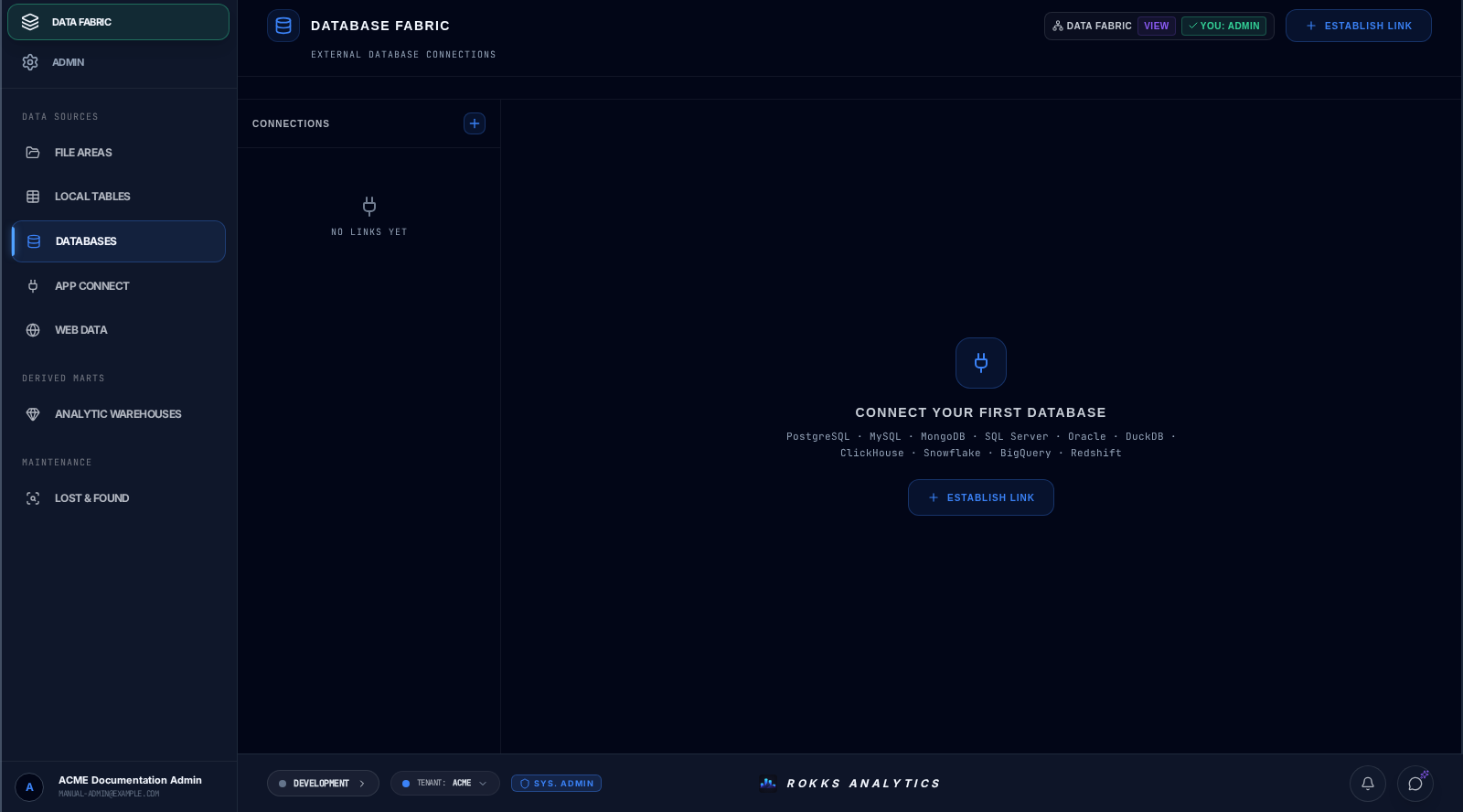
Section titled “Common mistakes”Do not use Local Tables to discover an existing warehouse database. Use the Data Source Tables area in Analytic Warehouse for database scanning and registration.
Do not expect file imports or Constellation outputs here. File Areas keeps those governed outputs on the source’s Output tables list and exposes them through Analytic Warehouse and catalog-backed editors. Local Tables is for tables provisioned directly through Create Table.
Choose the ID type deliberately. INT4 is a 32-bit sequence, INT8 is a 64-bit sequence, and UUID is globally unique without a sequence.