
Advanced Platform Tools
Overview
Section titled “Overview”These restricted administration pages expose platform-wide inspection and configuration controls. They may be absent from your navigation because of your role or deployment edition. Use them only within your organization’s operating procedure; ordinary dashboard and data work does not require them.
How it works
Section titled “How it works”Each subsection below corresponds to a separate page in the shipped navigation. The illustrations show source-defined controls or neutral empty states; they do not imply that a configured optimizer, identity provider, container host, or registry record was available during capture.
Query Optimizer
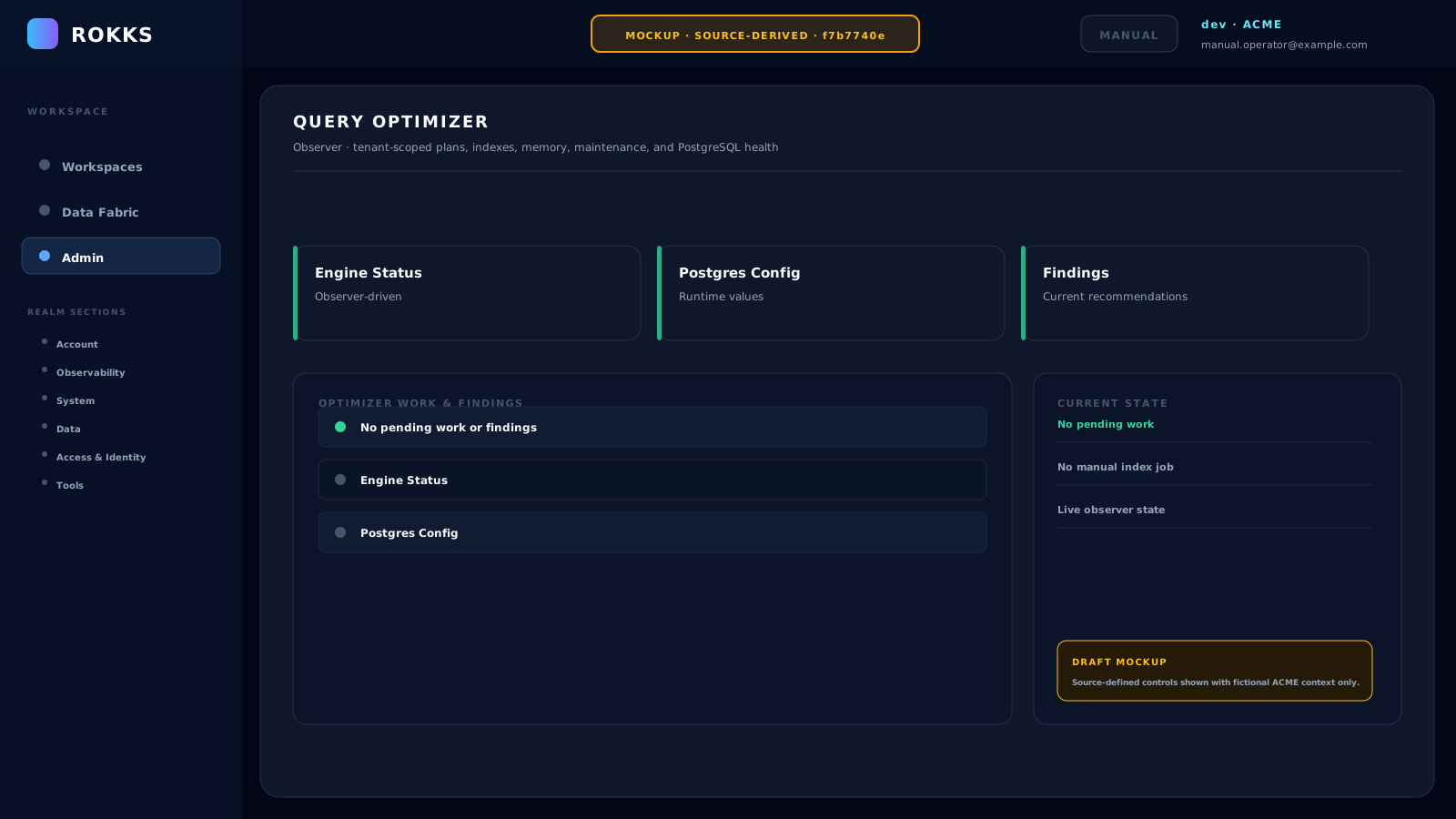
Section titled “Query Optimizer”Open Admin → Data → Query Optimizer to inspect Engine Status, Postgres Config, and current optimizer work or findings. Use the Refresh all icon to reload the displayed state. The empty state reads No pending work or findings.
Identity and Access
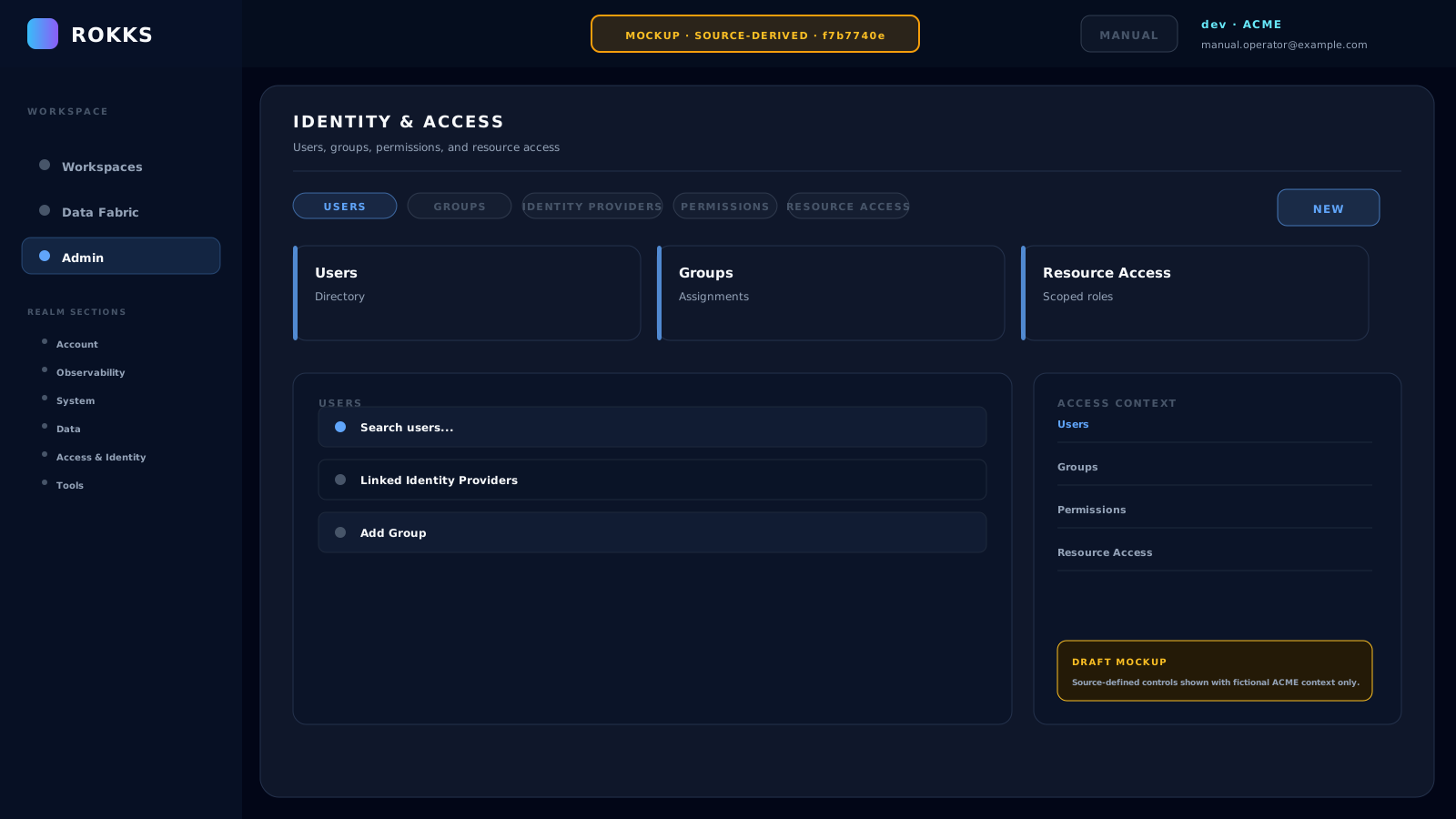
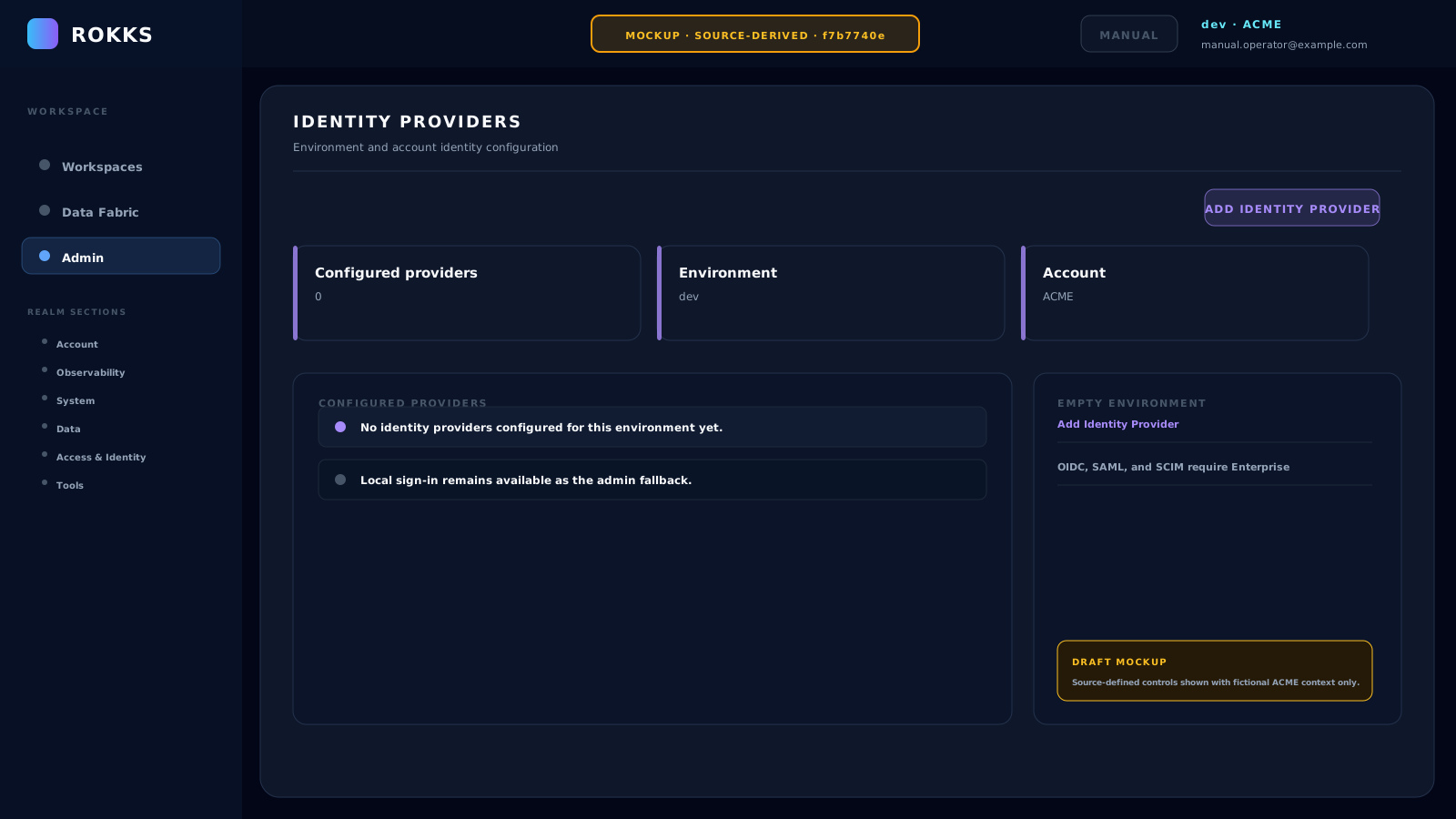
Section titled “Identity and Access”Open Admin → Access & Identity → Identity & Access to work with the separate Users, Groups, Identity Providers, Permissions, and Resource Access areas. Open Admin → Access & Identity → Identity Providers for provider configuration; that page uses Add Identity Provider when an environment has no configured provider.
Docker Manager
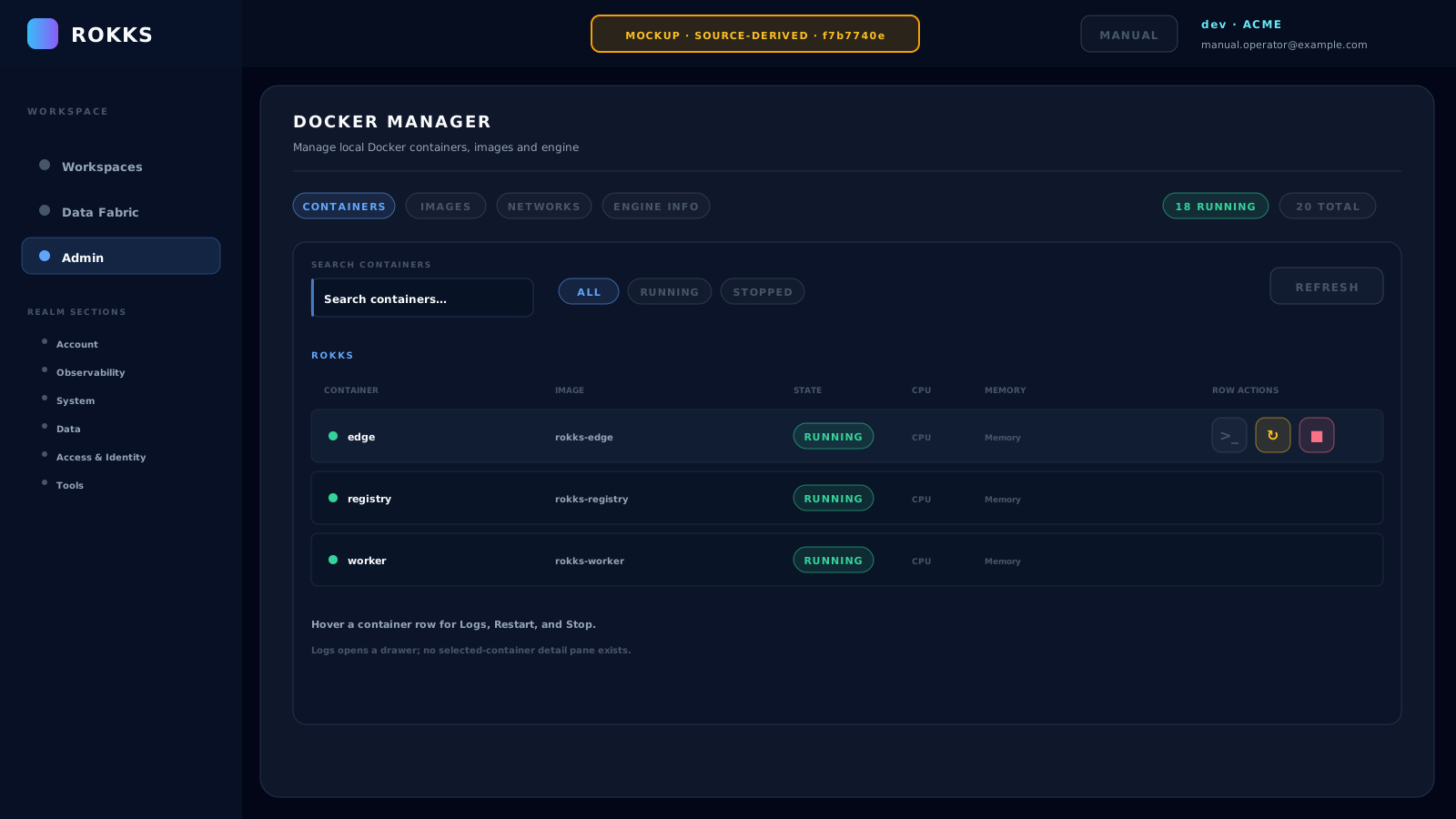
Section titled “Docker Manager”On appliance deployments, open Admin → System → Docker Manager to inspect the Containers, Images, and Networks views. Container actions such as Start, Restart, and Stop affect runtime services; follow the operator procedure for the target environment before using them.
Registry Explorer
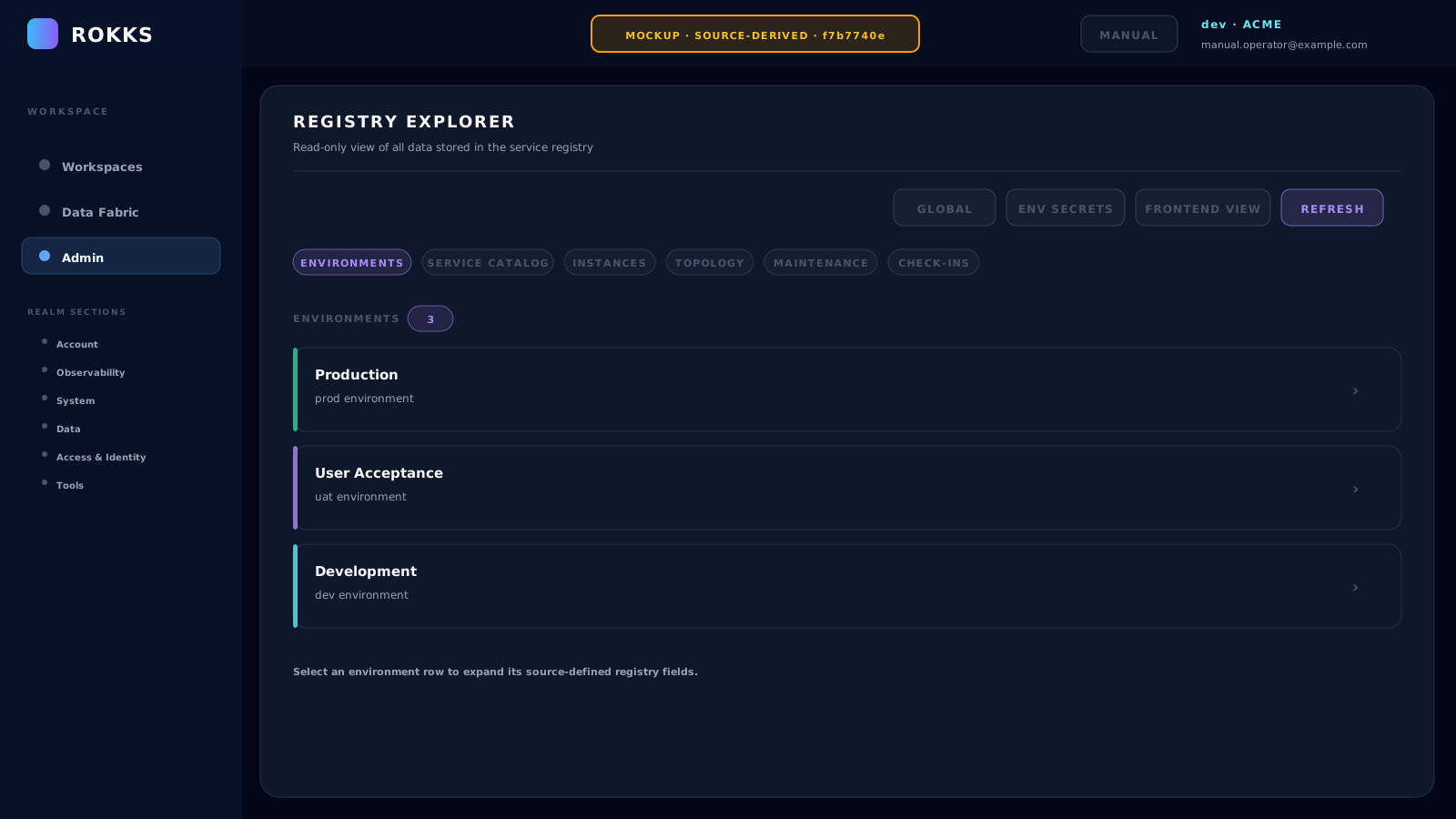
Section titled “Registry Explorer”Open Admin → Tools → Registry Explorer to inspect the registry’s Environments, Service Catalog, Instances, Topology, Maintenance, and Check-ins projections. Access to protected environment details depends on your role; do not copy secrets or real organization data into support material.
Common mistakes
Section titled “Common mistakes”- Do not treat an empty optimizer findings list as proof that every query is optimal; it reports the current observed state.
- Do not assume Identity Providers and Resource Access are the same control. Authentication configuration and resource authorization are separate.
- Do not use Docker Manager as a substitute for the deployment runbook.
- Do not publish Registry Explorer output. Manual examples must remain ACME and
example.comonly.