
Widget Collections
Overview
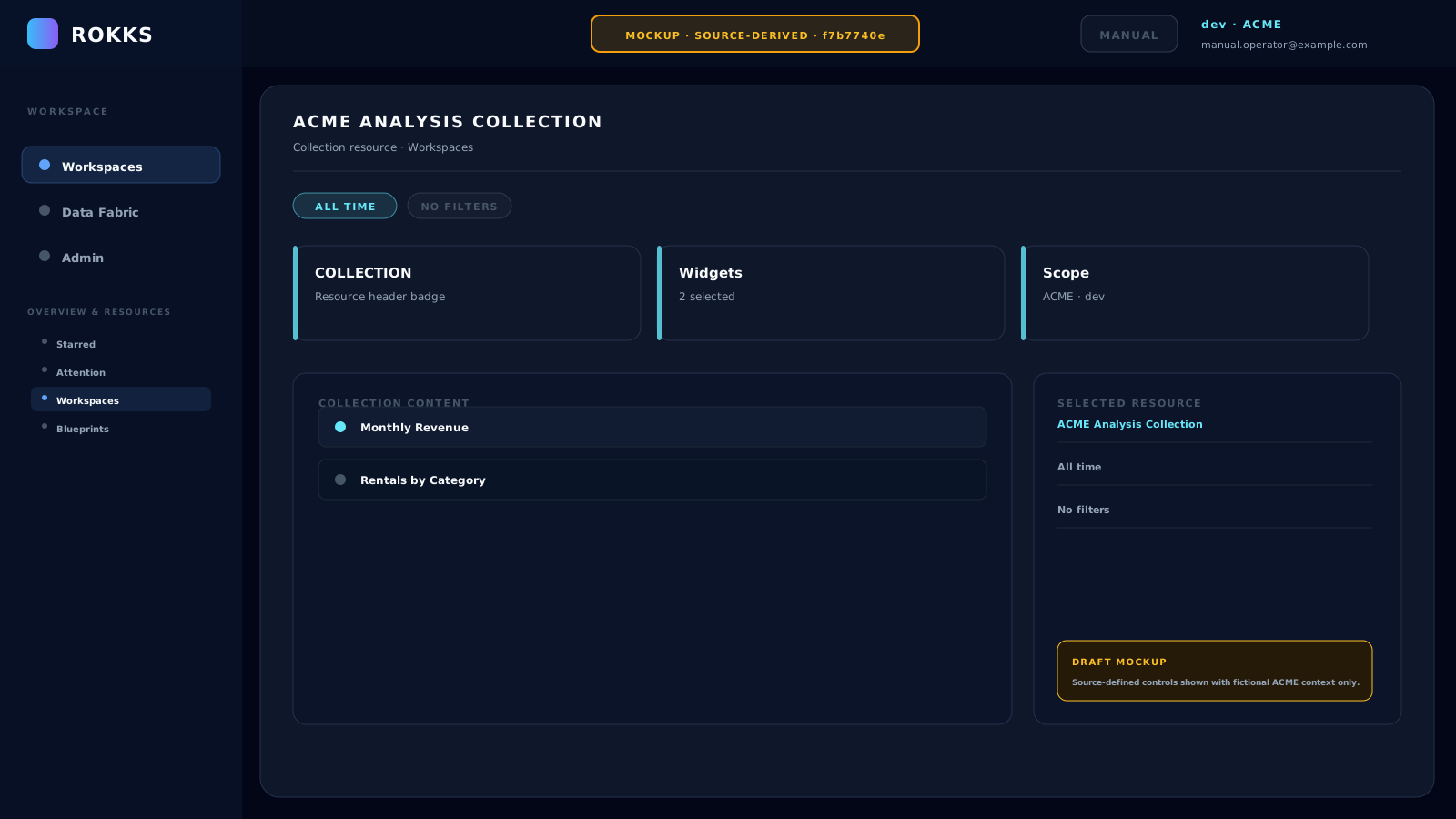
Section titled “Overview”In this build, a collection is a widget feed, not a container for dashboards. It can hold copied widget configurations directly or select widgets dynamically by tags. A collection may be associated with a workspace and marked as pinned.
How it works
Section titled “How it works”The standalone Collection view remains route-reachable, but Collections no longer have a navigation entry: the current navigation folds this concept into Starred. Dashboards and reports are organized by Workspaces, while a workspace’s pre-existing pinned widget copies appear in its Pinned tier. This documented build can display stored pinned state, but exposes no user-facing control to add a widget to, or remove one from, that set.
Step-by-step
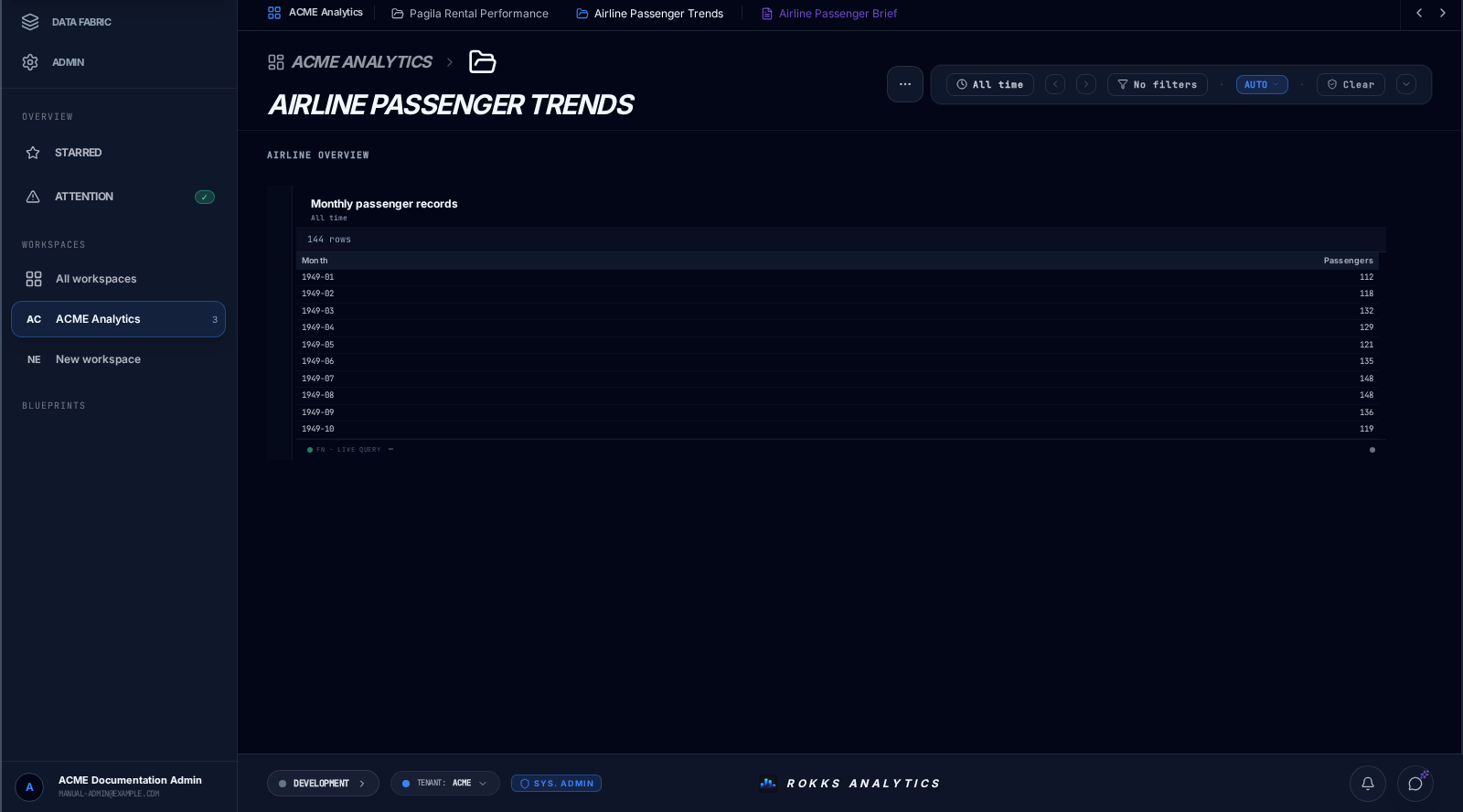
Section titled “Step-by-step”- Open Workspaces when you need to organize dashboards or reports.
- Open Starred or a workspace’s Pinned tier to view any widgets already present in stored pinned collections.
- Use a tile’s location header to return to its source dashboard.
- Treat an old direct Collection link as a route-reachable widget collection, not as the place to create workspace structure.
Common mistakes
Section titled “Common mistakes”Do not try to add dashboards to a collection. Workspace membership owns dashboard and report organization.
Do not look for a widget star or pin action in this build. The underlying state actions are not connected to a user-facing control.
Do not describe a collection as an access-control boundary. It is a widget-feed model; environment, tenant, workspace, and underlying data authorization remain separate concerns.