
Lost and Found
Overview
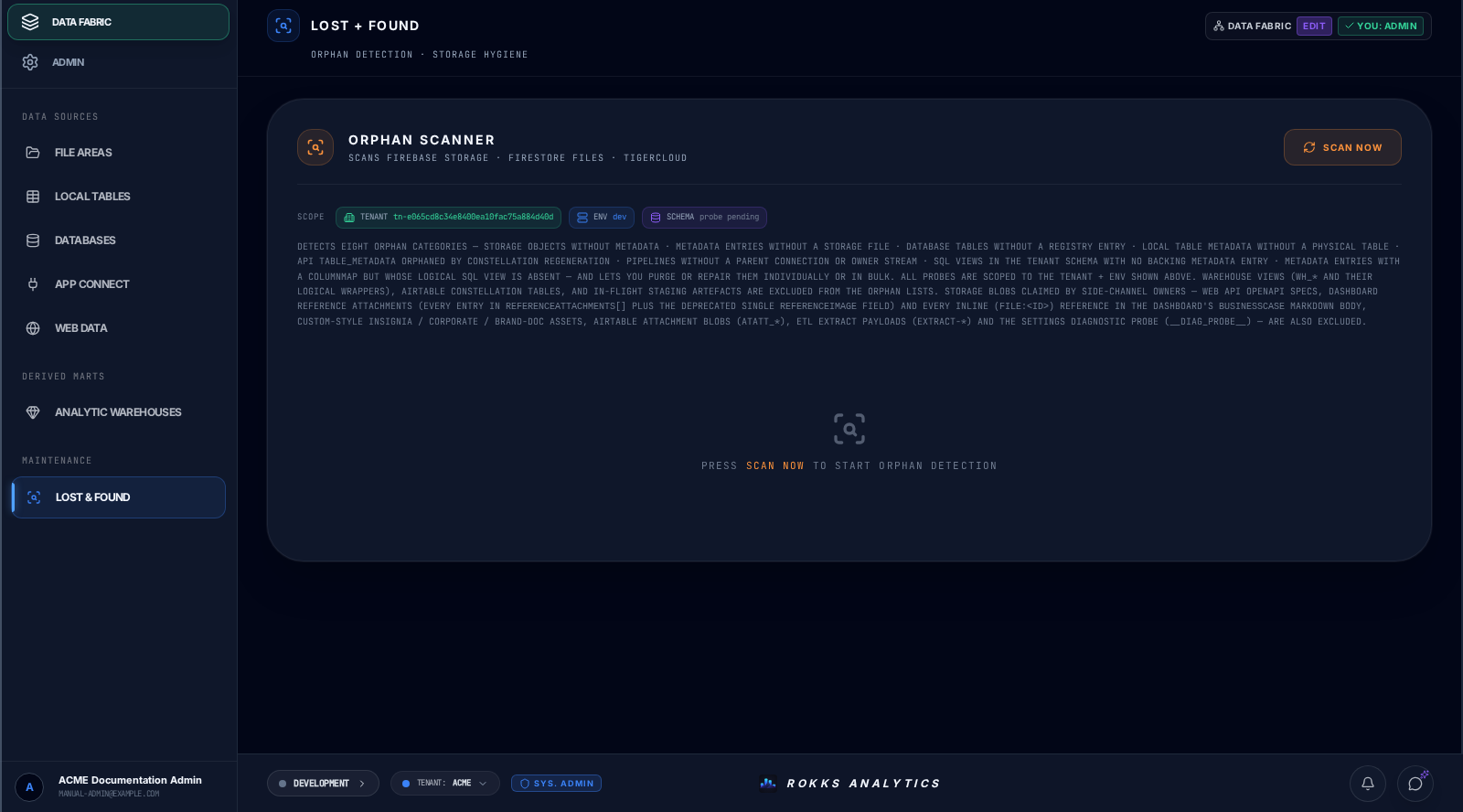
Section titled “Overview”Lost and Found helps administrators locate data assets, metadata, or records that no longer have an obvious owner in the UI. Use it when migrations, deletes, imports, or failed jobs leave something that needs review.
How it works
Section titled “How it works”The page compares registered entities, catalog metadata, and available backend artifacts across eight orphan categories. After a scan, each affected row exposes only the category-specific action the product supports: Purge for disposable residue or Repair where a relationship can be rebuilt. These are direct actions from this surface, not Worker jobs.
Step-by-step
Section titled “Step-by-step”- Open Data Fabric → Maintenance → Lost & Found or Admin → Tools → Lost & Found.
- Choose Scan Now.
- Review each populated category and its diagnostics.
- Confirm that no dashboard, connector, tenant, or retained dataset still needs the item.
- Use Repair only where that row offers it, or Purge only where that row offers it.
- Scan again and confirm the expected category is clear.
Common mistakes
Section titled “Common mistakes”Do not delete an item just because it looks old. Check whether a dashboard, connector, or tenant still references it.
Do not use Lost and Found as a normal source browser. It is for recovery and repair.