
Taxonomy
Overview
Section titled “Overview”Taxonomy gives shared meaning to fields, dashboards, and business concepts. Use it to standardize tags, attributes, units, and categorization across teams.
How it works
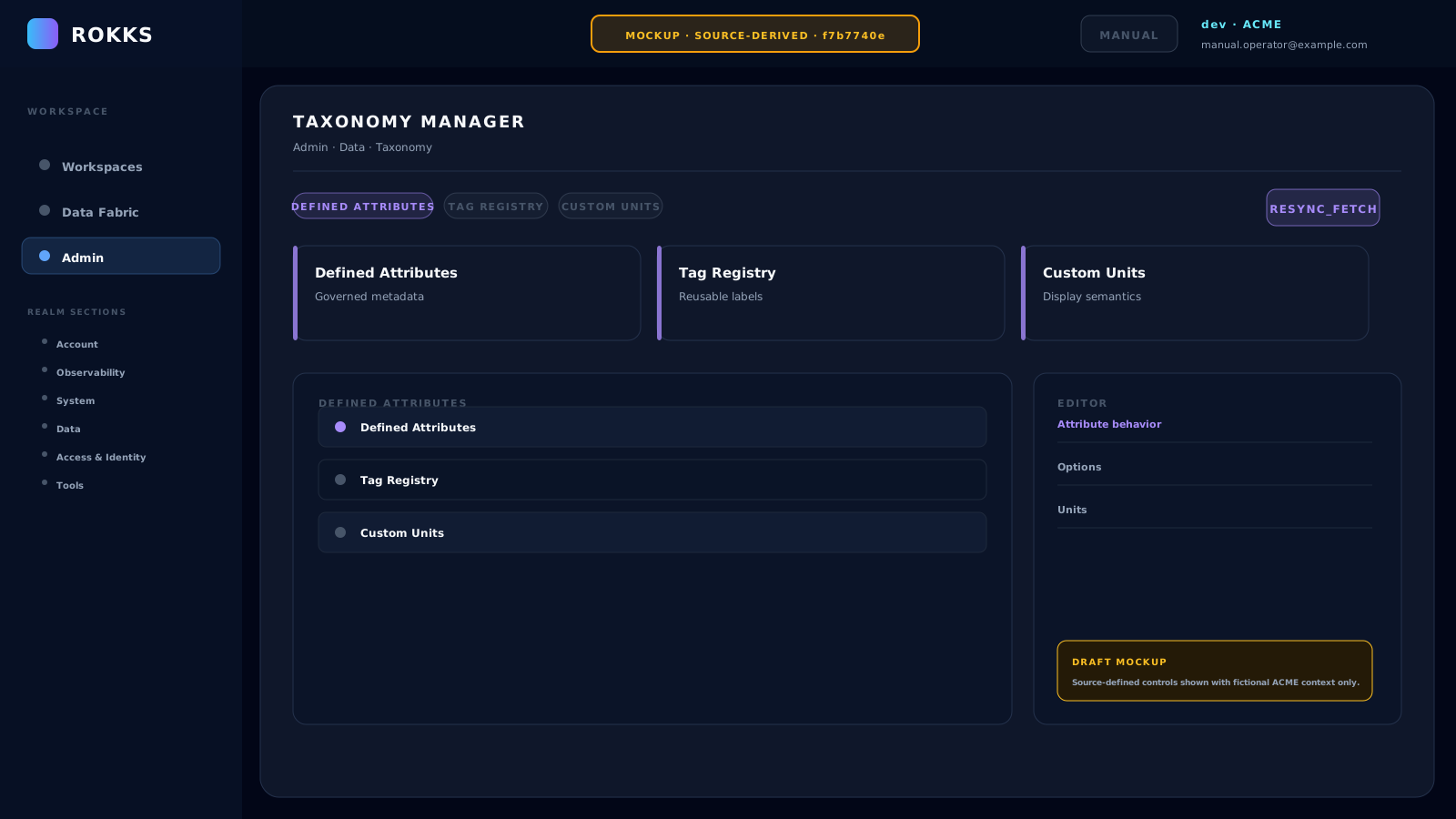
Section titled “How it works”Taxonomy Manager maintains the shared definitions that other surfaces can use. Its three tabs are Defined Attributes, Tag Registry, and Custom Units. Assignments are made from consuming surfaces such as File Areas, Web Data Interfaces, or Local Tables rather than from Taxonomy Manager itself.
MOCKUPSource-derived illustration — not a captured product state
Step-by-step
Section titled “Step-by-step”- Open Taxonomy.
- Select Defined Attributes, Tag Registry, or Custom Units.
- Use New Attribute, Create Tag, or Add Custom Unit for a reusable definition.
- Enter the required name, options, symbol, or category. Attribute and tag changes persist immediately; for a custom unit, choose Save Unit.
- Open the relevant File Area, Web Data Interface, or Local Table to map tags and attributes to that resource.
- Choose Resync_Fetch when you need to reload the registry state.
Common mistakes
Section titled “Common mistakes”Do not create duplicate tags with slightly different spelling. Consolidate terms before adding new ones.
Do not use taxonomy for one-off notes. Use descriptions or dashboard text when the concept is not reusable.