
Tenants
Overview
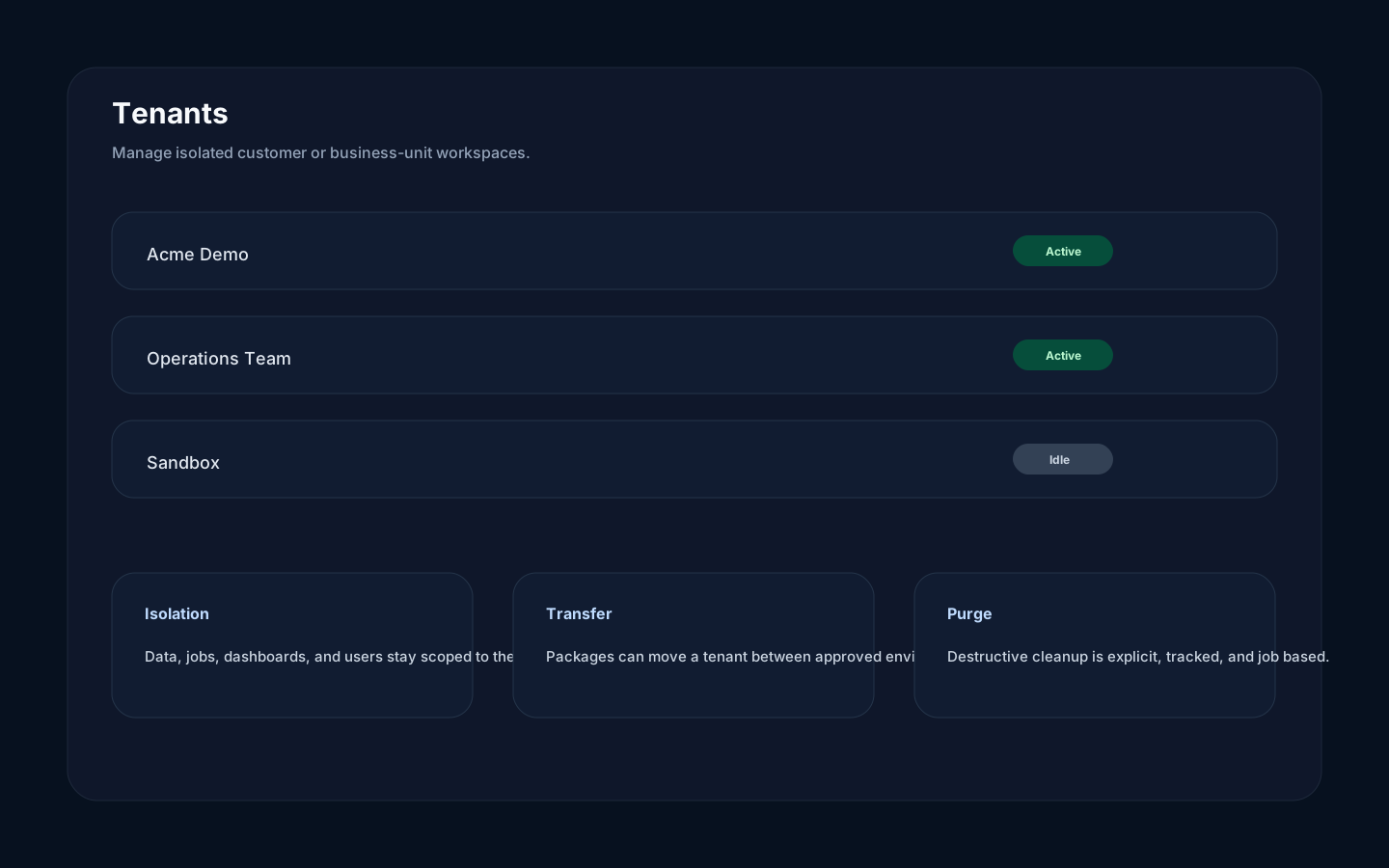
Section titled “Overview”A tenant is a business workspace inside an environment. Tenants separate dashboards, files, metadata, jobs, alerts, preferences, and most user-facing data. Use tenants for customers, business units, or isolated teams.
How it works
Section titled “How it works”Rokks always evaluates tenant-aware work in the selected tenant. A file upload, dashboard save, alert rule, or accepted job submission belongs to that tenant. Accepted tenant operations such as purge run as tracked jobs so administrators can see progress and failures.
Tenant export, archive import, and browser-to-browser transfer are currently paused. The former export sent tenant records and blobs through the general job-status channel. The former browser import inflated and retained an unrestricted ZIP, then duplicated it before backend limits applied. A dedicated, authorized streaming replacement must enforce snapshot correctness, byte and memory budgets, backpressure, and cancellation in both directions.
Step-by-step
Section titled “Step-by-step”- Select the active tenant before editing data.
- Create or request a tenant for each isolated customer or workspace.
- Assign users only to tenants they should access.
- Do not use Tenant Transfer as a migration procedure while its export, import, stream, and receiver paths are paused.
- Use purge workflows only when the tenant should be permanently removed.
Common mistakes
Section titled “Common mistakes”Do not use one tenant for unrelated customers just because their dashboard designs look similar. Tenant boundaries preserve data isolation; visual similarity is not a reason to combine data scopes.
Do not purge a tenant to work around a migration problem. Fix or delete the affected source first.
Do not treat a transfer error as a queued background job. Paused export and import submissions are rejected before a job record is created.