
Environment and Tenant Scope
Overview
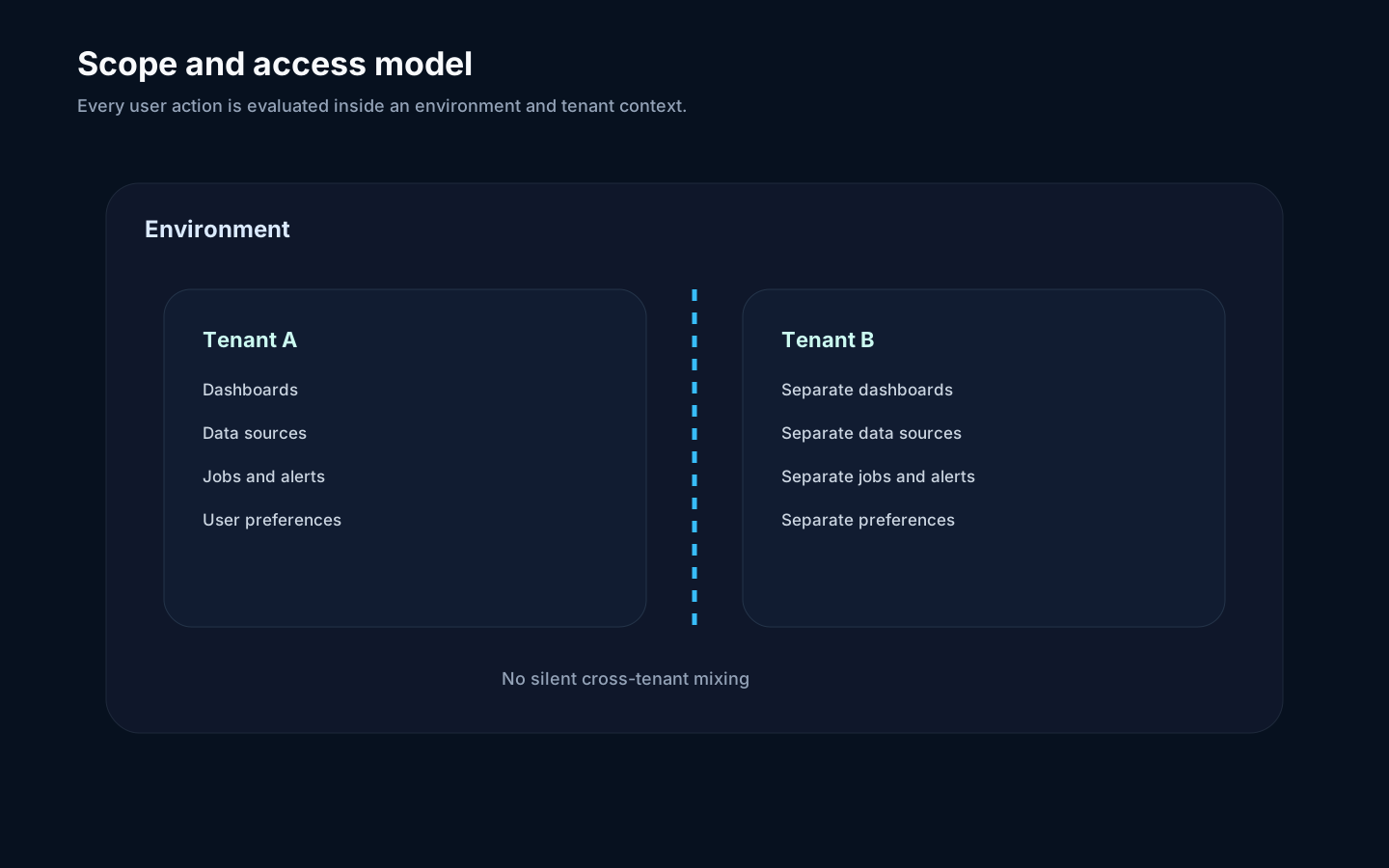
Section titled “Overview”Every meaningful Rokks operation runs in an environment and, when applicable, a tenant. This keeps data, jobs, dashboards, alerts, and settings from crossing workspace boundaries.
How it works
Section titled “How it works”The active environment selects the platform configuration and backend targets. The active tenant selects the business workspace. Browser requests and worker jobs carry that scope so downstream operations know where to read and write.
Step-by-step
Section titled “Step-by-step”- Resolve the intended environment.
- Resolve the intended tenant.
- Submit UI or API work through the supported public entry point.
- Confirm job records show the same scope.
- Investigate any missing data by checking both selectors.
Common mistakes
Section titled “Common mistakes”There is no default tenant or fallback tenant. The identifier default is reserved and invalid; callers must resolve an explicitly authorized tenant before scoped work begins.
Do not widen a workflow across tenants unless the operation is explicitly designed to iterate tenant by tenant.