

Alerts
Dieser Inhalt ist noch nicht in deiner Sprache verfügbar.
Alerts
Section titled “Alerts”Overview
Section titled “Overview”Alerts monitor governed data and notify users when a rule changes state. Use alerts for thresholds, stale syncs, anomalies, service indicators, or operational signals that require attention.
How it works
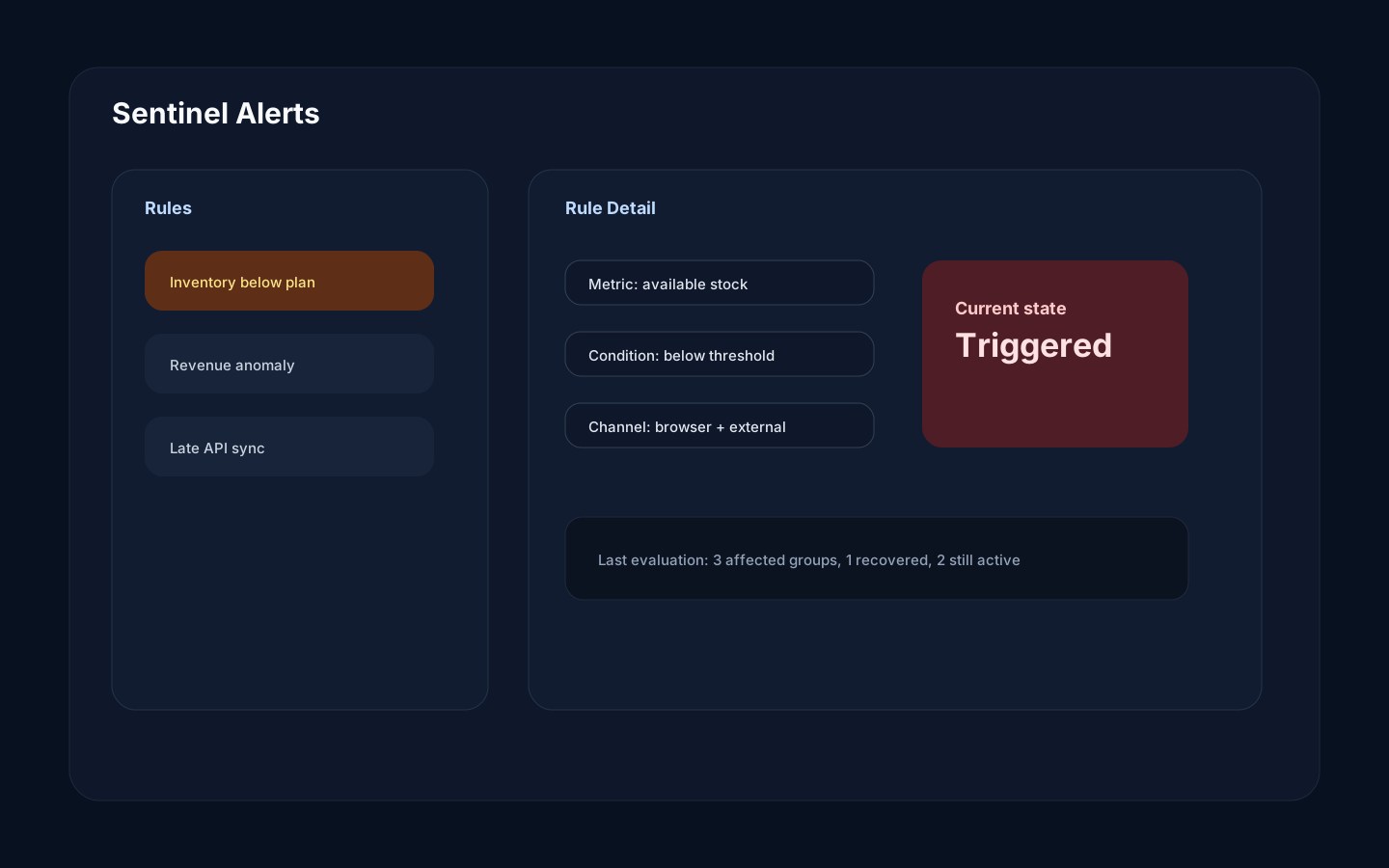
Section titled “How it works”An alert rule evaluates data in the active scope and records state per rule or group. Sentinel emits browser events immediately and delivers configured external channels directly when the alert changes state. Notification delivery does not pass through the Worker job queue.
Step-by-step
Section titled “Step-by-step”- Open Sentinel Alerts.
- Create or edit a rule.
- Choose the source and measured field.
- Define the condition and grouping.
- Select notification channels.
- Test the rule.
- Monitor active violations. For external-channel delivery troubleshooting, use provider-side evidence or ask an operator to inspect Sentinel logs.
Common mistakes
Section titled “Common mistakes”Do not alert on noisy fields without grouping or thresholds. Too many alerts reduce trust.
Do not assume a missing external notification means the rule did not trigger. Rule state is visible in Rokks; external delivery outcomes are not currently persisted or shown in this page.