

Sidekick
Dieser Inhalt ist noch nicht in deiner Sprache verfügbar.
Sidekick
Section titled “Sidekick”Overview
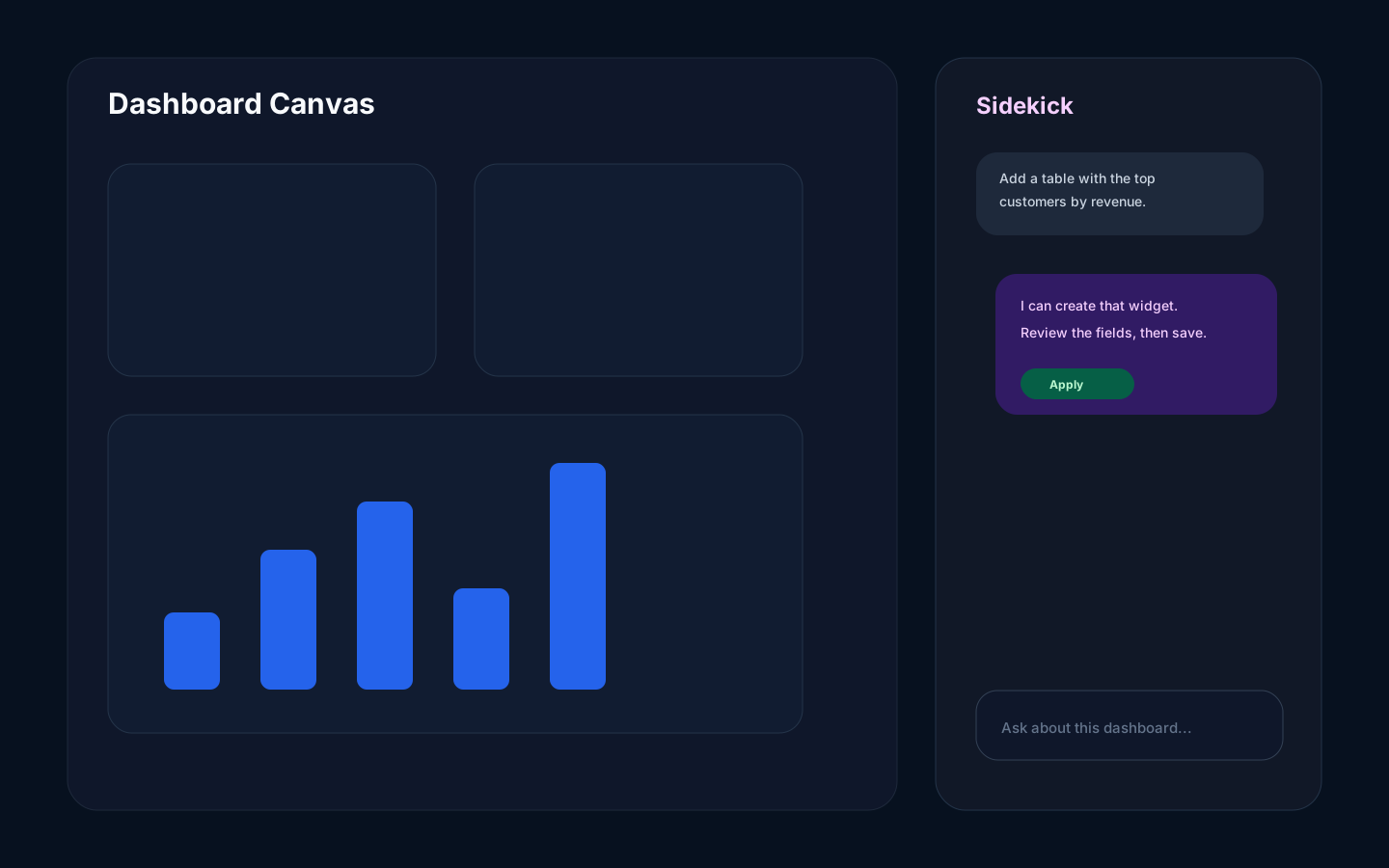
Section titled “Overview”Sidekick is the assistant panel for dashboard work. It can explain data, suggest widgets, help refine existing widgets, and guide users through analytical tasks.
How it works
Section titled “How it works”Sidekick operates in the current dashboard context. It uses the catalog, current dashboard state, and allowed tools to propose or apply changes. Review every action and its result.
Real mutating Agent turns can capture document changes in a checkpoint and expose a Revert turn action. Read-only Ask/Jury planning does not open one. This is not a universal undo guarantee: jobs, SQL effects, external systems, ordinary manual edits, and changes not represented by the checkpoint may not be reversible. A multi-entity revert is sequential and can stop after partial progress; the chat is preserved when any entity remains unresolved.
Step-by-step
Section titled “Step-by-step”- Open a dashboard.
- Open Sidekick.
- Ask for a specific outcome, such as a trend, ranking, table, or explanation.
- Review the suggested change.
- Apply the change only if it matches your intent.
- If a checkpoint-backed result is not right, inspect Revert turn or Version History and read the full scope warning before confirming.
Common mistakes
Section titled “Common mistakes”Do not ask vague questions such as “make this better” when you need a specific business answer.
Do not apply a generated widget without checking the source, fields, filters, and chart type.